RecordingNovember 18, 2025
AI Agent for Epicor Kinetic - Accounts Payable
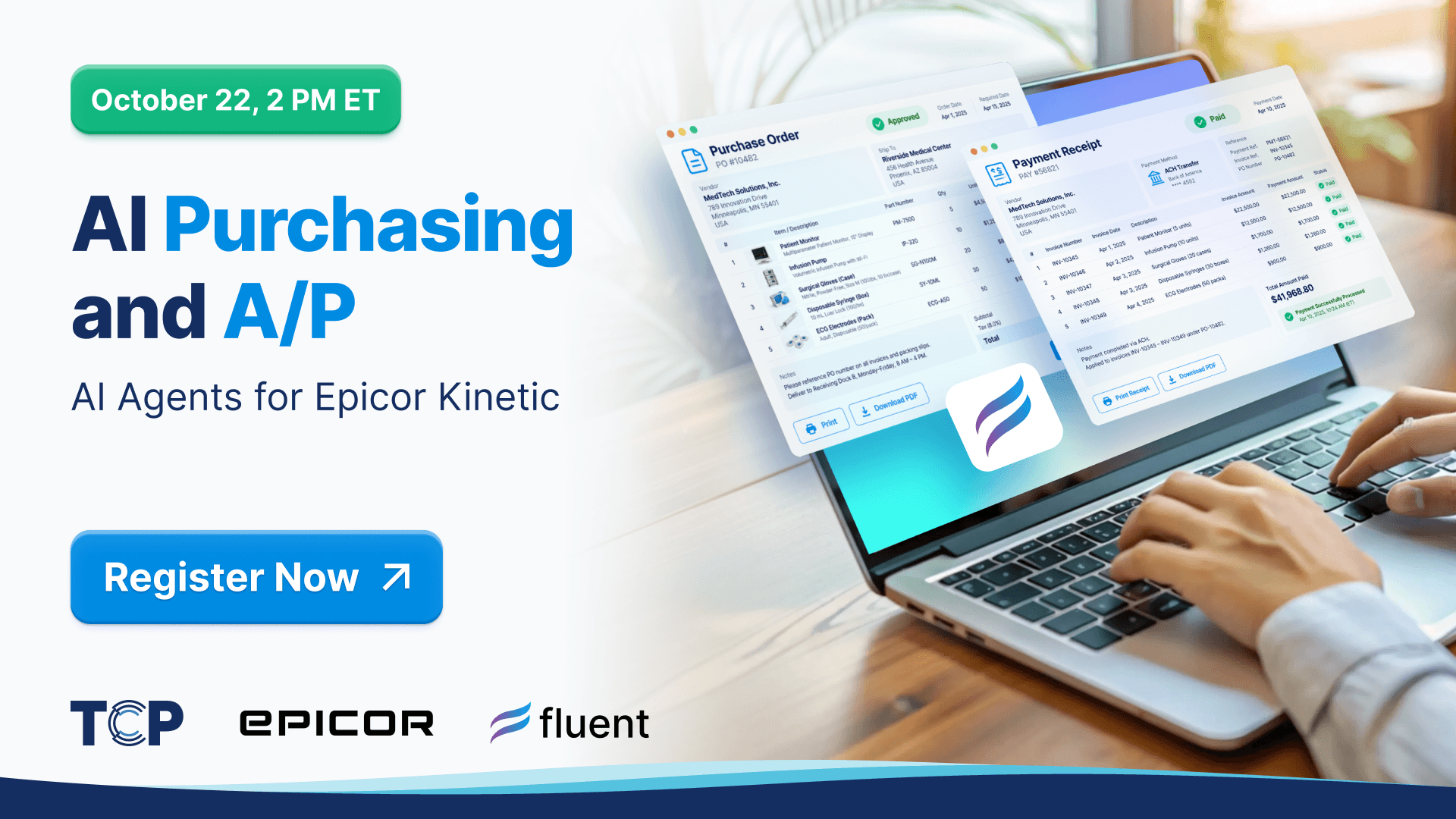
This 30-minute session shows how Fluent's AP agent handles supplier invoices in Epicor Kinetic. Incoming invoices and supplier documents are read, checked for duplicates, matched to purchase orders and receipts, and drafted for a person to approve in Fluent before anything is written to Epicor. Key topics include invoice reading, validation and matching, approval and the Epicor Kinetic write, and visibility into every invoice in progress.
2:00 PM - 2:30 PM ET
30 minutes
Online
 Gonzalo NuñezChief Technology Officer
 Christian WettreEVP, GM North America
Overview
See what the session covers
This 30-minute session demonstrates how the Fluent's AP agent handles accounts payable in Epicor Kinetic. Attendees will see how incoming invoices and supplier documents are read, checked and drafted, and how a person approves each one before anything is written to Epicor.
Key topics:
- Invoice reading: Extracts key data like vendor, amount, PO number, and terms directly from PDFs or scanned invoices.
- Validation and matching: Checks for duplicates, matches against purchase orders and receipts, and flags exceptions.
- Approval and Epicor Kinetic: Routes each draft through approval in Fluent, then writes the approved invoice to AP Invoice Entry.
- Visibility and control: Shows the status of every invoice, what needs a decision, and why.
You will leave knowing how AI agents take the keying out of accounts payable while a person still approves every invoice, with a full audit trail, before it reaches Epicor.
Customers
What customers are saying
“People should not feel like it’s too good to be true, because it works.”
“My dreams have been answered. … Check out Fluent. 10/10 customer service & ease of use!”
“We started our implementation call at 4:30 yesterday. First sales orders processing by 4:50. Minimal mistakes out the box.”
“The Fluent team got connected very quickly and orders are flowing well. Some mistakes, but easy to resolve with some agent tweaks. Really impressive platform.”
Prefer a one-on-one?
See the same agents on your own documents
Book a session with an Epicor specialist. Send a batch of the documents your team keys in, and they run them with you against your own Epicor data.
- Your documents and your Epicor data
- One Epicor specialist, one on one
- A time that suits your team
Frequently Asked Questions
This is where AP automation meets payment fraud, and it should be treated as a control question rather than a processing one. Bank detail changes must never be actioned from the invoice or the email that carried it. The control is out-of-band verification against a known contact, with the change made in the vendor master by someone who cannot also release payments. Automation raises the stakes here: faster processing means a fraudulent change reaches payment sooner.
Non-PO invoices need a different path, because there is nothing to match against. The usual approach is coding rules by vendor: this supplier always posts to this account and this cost centre, routed to this approver. These invoices are frequently the majority by count in a manufacturing business even though they are a minority by value, so leaving them out of scope removes much of the benefit.
It changes what the role does rather than removing it. The keying and filing disappear. What remains is exception handling, vendor relationships, resolving disputed invoices, and controlling the master data the automation depends on. Teams that treat the project purely as a headcount reduction tend to lose the person who understood which vendors bill oddly, and that knowledge is what keeps the exception queue short.
It can, through early payment discounts and through avoided late fees, but only where invoices were previously late for internal reasons rather than deliberate cash management. If a business is holding invoices on purpose to manage cash, processing them faster does not help and may hurt. Establish which of the two you are before the project, because the case for automation is different in each and only one of them shows up as a discount captured.
Approval routing sits above the automation rather than inside it. The system determines what the invoice is; your policy determines who may approve it and up to what value. Keep those rules in one place and version them, because approval thresholds change with people and delegations far more often than invoice formats do. Hard-coding an approver's name into an automation rule guarantees a broken workflow the week they change roles.
Vendor master data, mainly. Duplicate vendor records, inconsistent naming and stale remittance details cause more automation failures than poor scan quality. Purchase order data matters too: if POs are frequently raised after the invoice arrives, matching has nothing to work with. Auditing the vendor master before implementation is unglamorous and it is usually the difference between a system that runs and one that generates a queue nobody clears.
Every invoice should be traceable back to the source document, showing what was extracted, what the system decided, which rule or check produced that decision, and who approved anything that needed a person. An auditor's question is rarely "is the total right"; it is "show me how this was approved and by whom". A system that posts correctly but cannot reconstruct the decision creates work at audit time instead of saving it.
A two-way match compares the invoice to the purchase order. A three-way match adds the receipt, confirming the goods actually arrived before payment is released. Automation makes the three-way match cheaper to enforce, because the system checks receipts on every line rather than only on high-value invoices. The prerequisite is that receiving is entered promptly in the ERP. Where receipts lag by days, the automation will hold invoices that a human would have released.
It should stop and route to a person rather than post a guess. A workable setup assigns every extracted field a confidence level and holds the invoice for review when any critical field falls below the threshold, with the uncertain values highlighted rather than the whole document re-keyed. The measure of a good system is not how many invoices it processes without help, but how reliably it recognises the ones it should not touch.
Currency and tax lines need to be extracted as they appear on the document and converted according to your ERP's rules, not the automation's. The more common problem is multi-entity: the same vendor billing several of your operating companies, where an invoice can post to the wrong entity and look perfectly valid. Matching on vendor plus the entity's own identifiers, rather than vendor alone, avoids most of it.