RecordingNovember 19, 2026
AI Quoting and Order Entry Agents for Epicor Kinetic Users
AI Agents for Epicor Kinetic
2:00 PM - 2:30 PM ET
30 minutes
Online
 Gonzalo NuñezChief Technology Officer
Overview
See what the session covers
Join us for an engaging 30-minute session where we review our AI agents for quoting and order entry in Epicor Kinetic.
Quoting and order entry in Epicor take a lot of manual work. A customer sends specifications or a request for quote by email, someone reads through it, finds the right parts and prices, and builds the quote in Kinetic line by line. When the customer accepts, someone keys the order in again. Every hand-off slows the response, and every retyped line is a chance for an error.
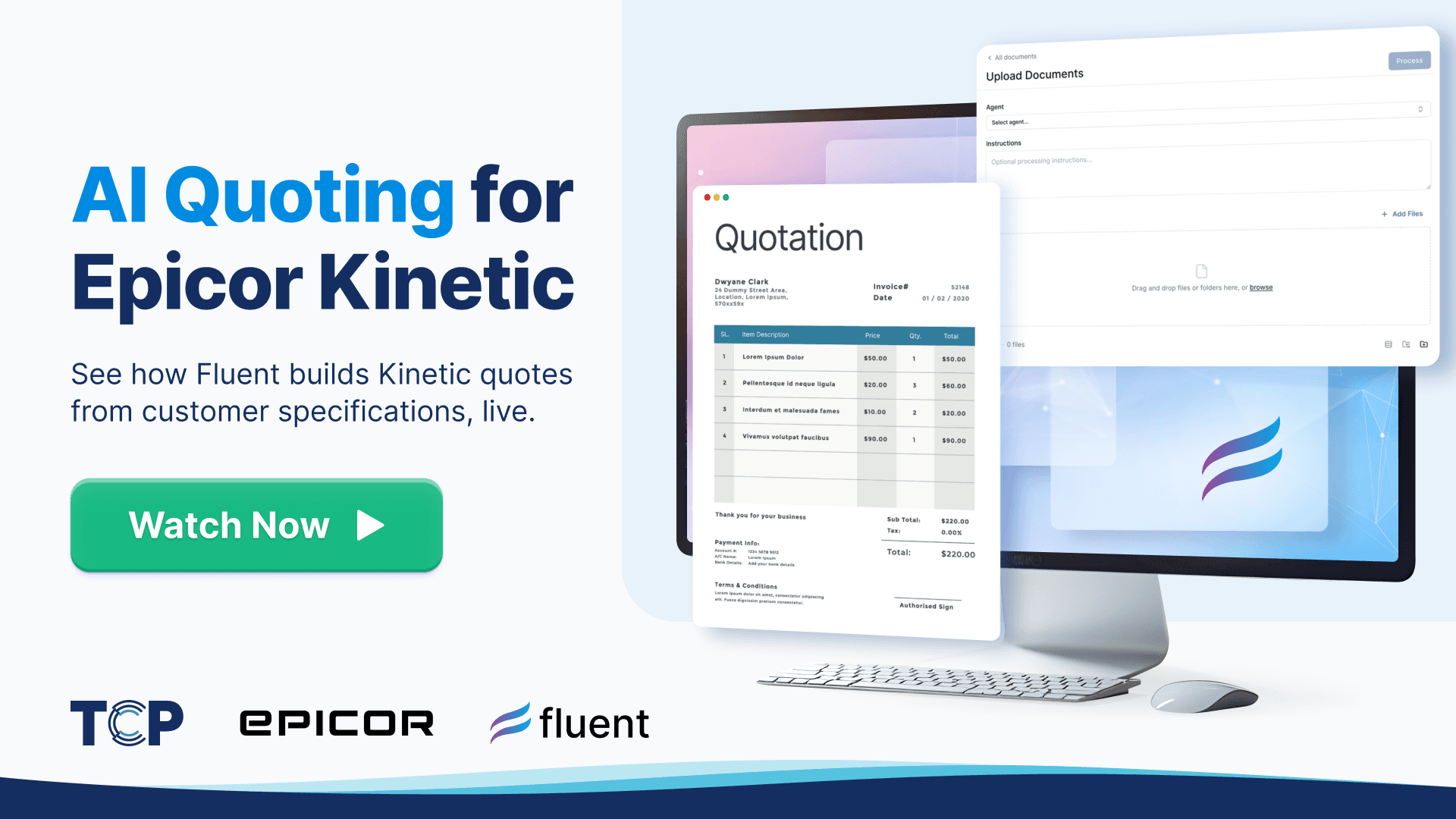
In this live session, we'll show Fluent's AI agents running that whole flow in Epicor Kinetic. They read the customer's specifications, build the quote in Kinetic, and turn the accepted quote into a sales order, ready for your team to review.
There will be no slides about what AI might do someday. You'll watch the agents work on real documents in a live Kinetic environment.
Customers
What customers are saying
“People should not feel like it’s too good to be true, because it works.”
“My dreams have been answered. … Check out Fluent. 10/10 customer service & ease of use!”
“We started our implementation call at 4:30 yesterday. First sales orders processing by 4:50. Minimal mistakes out the box.”
“The Fluent team got connected very quickly and orders are flowing well. Some mistakes, but easy to resolve with some agent tweaks. Really impressive platform.”
Prefer a one-on-one?
See the same agents on your own documents
Book a session with an Epicor specialist. Send a batch of the documents your team keys in, and they run them with you against your own Epicor data.
- Your documents and your Epicor data
- One Epicor specialist, one on one
- A time that suits your team
Frequently Asked Questions
Both models exist. Creating the order on arrival puts it in Kinetic on hold, so customer service sees it early and releasing the hold is the approval. Staged review keeps a draft outside Epicor until someone approves it, so planners, buyers and reports never see an unreviewed order, and each discrepancy sits as a warning on its own line. Fluent stages every document, then routes the draft through approval stages with conditions written in plain language before anything is written to Epicor.
Three numbers, with a baseline taken before anything changes. Quote turnaround time, from the request arriving to the quote being sent, tracked as the median and the slowest 10% by customer and quote type, since an average hides the backlog. Win rate, by count and by value, segmented by customer and product family. Quote accuracy: the share of quotes sent without a correction, and the share of orders whose part, unit or price differs from the quote they came from.
CPQ software holds the rules for a configurable product: which options go together, what each one costs and what the bill of materials looks like, and a salesperson or customer builds the quote by answering its questions. AI quote entry starts from the other end: it reads a request for quote as the customer sent it and drafts the quote in the ERP's own quote screen. Fluent is not a CPQ. Where a line is configurable, it answers Epicor's product configurator from the request, so the price still comes from Epicor's rules.
No. EDI stays the right channel wherever a customer sends it: the purchase order arrives fully structured, and large customers and retailers may require it along with acknowledgements, ship notices and invoices. EDI stops at the partners worth mapping, since each one is its own project. AI order entry covers the customers who will never send EDI, reading the PDF or email they actually send. On Kinetic the two run side by side, with EDI customers either kept out of the AI tool or sent through the same review queue.
OCR turns pixels into characters but does not know what they mean: "4100" could be a part number, a quantity or a price. Template capture adds a layout per customer form, which breaks when a column moves, a second page appears or a scan is skewed. AI reading understands the whole document, finding the PO number under any label and following a table across pages. Reading is still only half the job: the order also has to be matched to the right customer, ship-to, parts, units and prices in Epicor.
Seven routes exist: DMT imports for structured spreadsheets; a custom integration on the Kinetic REST API or Epicor Functions for orders from your own systems; EDI for trading partners who send it; RPA bots replaying keystrokes, a last resort since layout changes break them; Epicor's own Sales Order Automation in ECM; dedicated order-entry products; and AI agents. They differ on who reads the document, how customer part numbers and units are resolved, and where the order waits for sign-off. Fluent is designed to work alongside Epicor ECM rather than replace it.
No. Fluent calls Epicor Kinetic's v2 REST API from outside, for on-premise or Epicor-hosted Kinetic, with nothing installed inside Epicor: no customization, no BPM, no staging table and no import file. Each agent generates an access scope listing exactly the services it calls, and agents only touch the business objects and companies you allow. Nothing posts until a person processes it, and transactions are validated by Epicor's own business logic before they post. Fluent is built by Technology Coast Partners, an Epicor Platinum Partner.
Into finding, matching and typing, not the pricing decision itself. A quote moves through six steps: receive the request, identify the customer, resolve the parts, enter quantities and units, price each line, then review, send and follow up. Resolving parts is the heaviest step, because customers ask by their own part numbers, descriptions or drawing numbers, and someone has to translate each line to your part and revision. Units add risk: a request for 500 feet or 12 boxes of 100 must be entered as asked.
Sort a month of requests for quote into standard and repeat parts, configured products and build-to-print work, because the split shows which kind of automation pays. For orders, pull three months of incoming purchase orders and group them by customer and channel, keeping EDI for customers who require it. Take a baseline of turnaround time, touch time and win rate. Then clean the customer part cross-reference for your largest customers, since every approach depends on it. With that baseline in hand, the effect of automation can be shown rather than assumed.
The cases where a perfectly read document still makes a wrong order. Send a purchase order from a customer the tool has never seen, one that uses the customer's own part numbers, and one in a unit you do not stock in. Add a duplicate purchase order and a document that is not an order at all. Then ask where each order waits before a person approves it, and how the reviewer sees, line by line, what the tool was unsure of.